
Frequently Asked Questions
Everything you need to know about WiFi rental in Switzerland.
✈️ Booking & Pickup
Where do I pick up the WiFi router?
Option 1 (Most Popular): We meet you directly at Zurich Airport (ZRH) Arrivals. Our staff will be waiting with your name on a sign.
Option 2: We can deliver the device to your hotel reception in Zurich City before you check in.
Do I need to pay a deposit?
For most standard rentals paid by credit card, no cash deposit is required. We simply keep a card authorization on file in case of loss or damage, which is released upon return.
Can I book last minute?
Yes, but we recommend booking at least 24 hours in advance to guarantee availability, especially during peak seasons (Summer and Winter holidays).
📶 Internet Speed & Usage
Is the data really unlimited?
Yes! Unlike many roaming plans that cap your speed after 2GB, our routers offer True Unlimited 4G/5G Data. You can stream Netflix, make video calls, and upload photos without worrying about slowing down.
Does it work in the Swiss Alps / Trains?
Absolutely. We use the Swisscom and Sunrise networks, which cover 99.9% of the populated territory. Our routers have high-gain antennas that work great on moving trains (SBB) and in mountain villages like Zermatt and Grindelwald.
How many devices can I connect?
You can connect up to 10 devices simultaneously (Smartphones, Laptops, Tablets). It works for iPhone, Android, Mac, and PC.
📮 How to Return (Important)
How do I return the router?
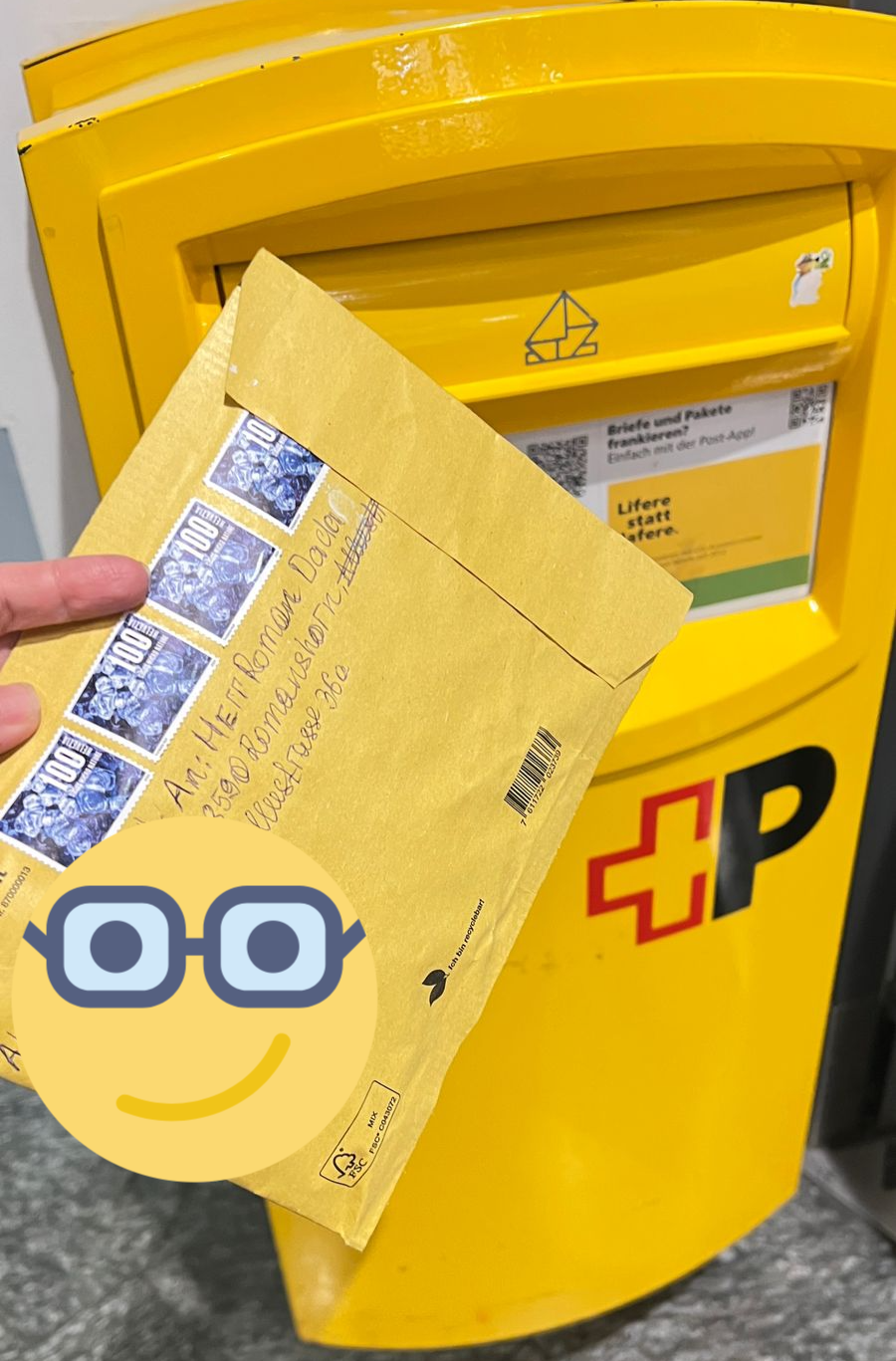
Returning is extremely easy. Every rental kit comes with a Prepaid Return Envelope.
1. Put the router and cable into the envelope.
2. Seal it.
3. Drop it into ANY yellow Swiss Post mailbox anywhere in Switzerland.
Can I return it from Geneva or Lugano?
Yes! You do NOT need to return to Zurich. You can drop the envelope in a mailbox in Geneva Airport, Basel, Lugano, or any border town before you leave the country.