
Zurich Airport Free Wi-Fi: Connection Guide & SMS Limits
Landing at Zurich Airport (ZRH) and need to contact your family or order an Uber? The airport offers free Wi-Fi, but it comes with specific rules and technical hurdles that can be frustrating for tired travelers.
How to Connect to Zurich Airport Wi-Fi
- Step 1: Turn on Wi-Fi on your device and select the network "Zurich Airport".
- Step 2: Your browser should automatically open the login page. If not, go to wifi.zurich-airport.com.
- Step 3: Choose "SMS Registration". You will need to enter your mobile number with the country code (e.g., +1 for USA, +44 for UK).
- Step 4: Enter the 4-digit code sent to your phone.
❌ Not receiving the SMS code?
This is a common issue for international travelers. If your roaming is disabled, you might not receive the code. Fix: You can scan your boarding pass at the "Google Stations" or info desks to get an access code without an SMS.
The 2-Hour Limit & Restrictions
The free Wi-Fi at Zurich Airport is limited to 2 hours. Once this time expires, you must wait several hours to log in again. Furthermore, public Wi-Fi is unsecured, meaning your personal data and passwords could be at risk.
Why Public Wi-Fi is Not Enough
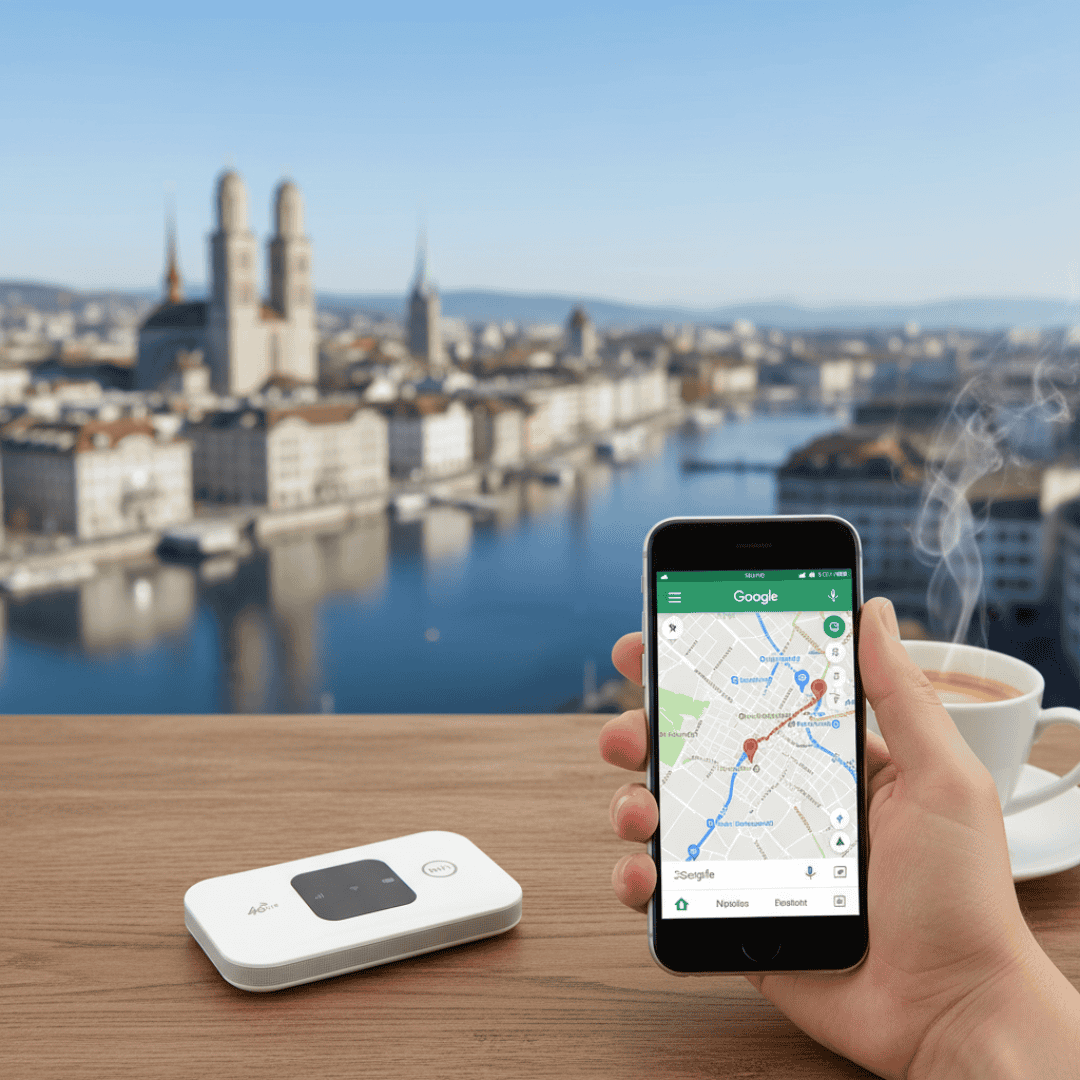
While the airport Wi-Fi is good for a quick check, it won't help you once you board the train or leave the terminal. To navigate Switzerland safely and enjoy unlimited data everywhere—from trains to mountain peaks—you need a dedicated solution.

Beyond the 2-Hour Limit
Don't stay tethered to the airport terminal. Rent a professional Pocket Wi-Fi and enjoy True Unlimited Data across all of Switzerland.
See Unlimited Plans